


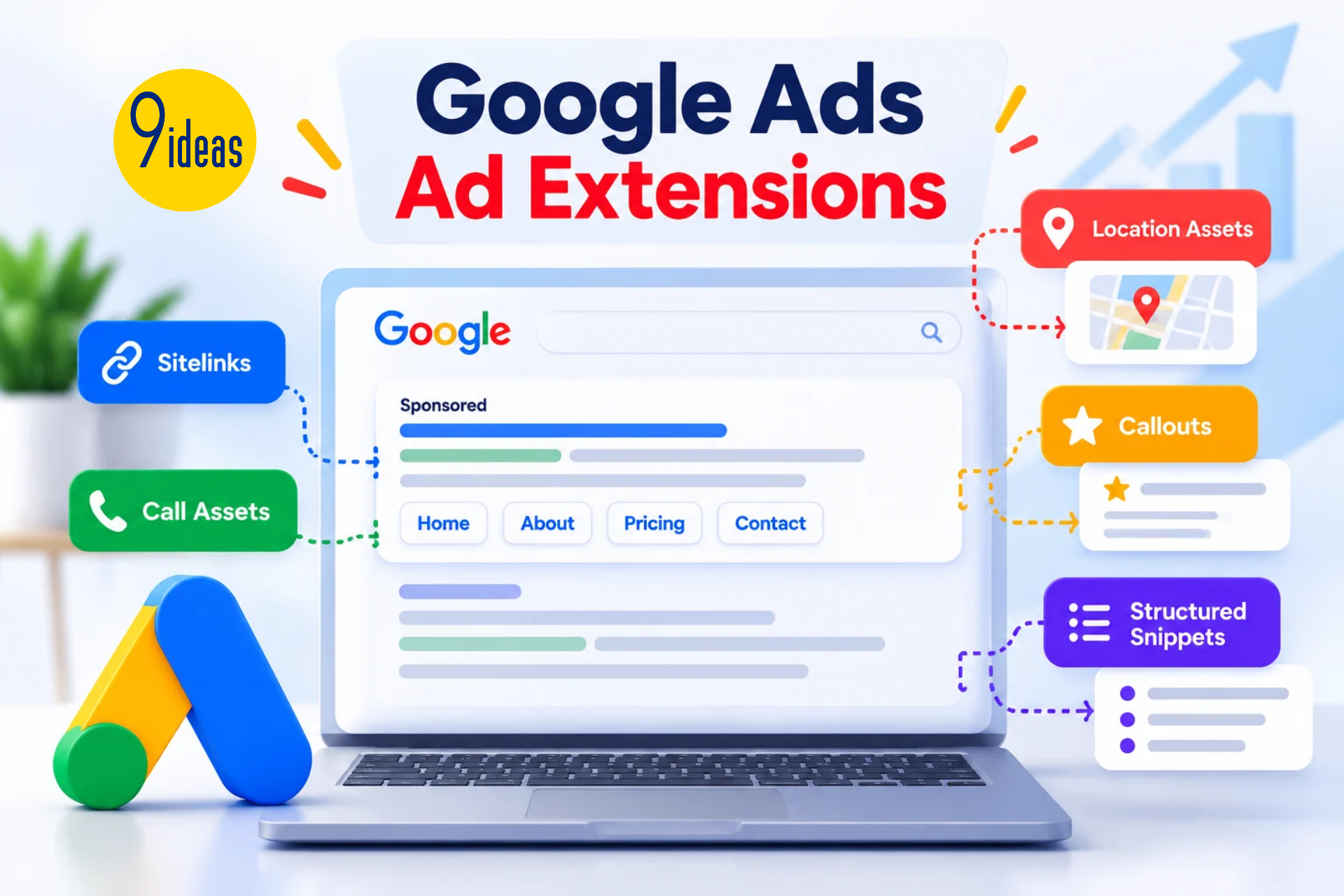
Search advertisements provide limited space to communicate with potential customers. Businesses often need to provide additional information such as phone numbers, locations, services or important website pages. Google Ads Ad Extensions, now generally referred to as ad assets, can help advertisers provide additional information alongside their advertisements.
These assets can make search advertisements more informative and give users additional ways to interact with a business.
What Are Google Ads Ad Extensions?
Ad extensions are additional pieces of information that can appear with eligible Google Ads advertisements.
Depending on the campaign and eligibility, businesses may use assets such as:
- Sitelinks
- Call assets
- Location assets
- Structured snippets
- Callouts
- Image assets
The availability and appearance of assets can vary depending on the campaign.
Why Ad Extensions Matter
Provide More Information
Additional assets can communicate important details without requiring users to visit multiple pages.
Improve Ad Visibility
Additional information can make advertisements more prominent and informative within search results.
Support User Actions
Different assets can encourage actions such as:
- Visiting specific pages
- Calling a business
- Finding a location
- Exploring products or services
Common Google Ads Assets
Sitelink Assets
Sitelinks can direct users to specific pages of a website.
For example:
Home → About → Pricing → Contact
Call Assets
Call assets can provide users with a direct way to contact a business by phone.
Location Assets
Location assets can help businesses provide relevant location information to users.
Callout Assets
Callouts can highlight specific benefits or features without requiring a separate landing page.
Structured Snippets
Structured snippets can provide additional information about products, services or categories.
How to Use Ad Extensions Effectively
A practical approach is:
Understand Campaign → Identify Useful Information → Select Relevant Assets → Add Assets → Monitor Performance
Businesses should choose assets that support the specific campaign objective.
Ad Extensions and PPC Strategy
Ad assets can strengthen the connection between:
Search Query → Ad → Additional Information → Landing Page → Conversion
For example, a service-based campaign may use sitelinks for different services and a call asset for users who prefer direct communication.
Common Mistakes
Businesses should avoid:
- Adding irrelevant assets
- Using inaccurate information
- Duplicating landing page content unnecessarily
- Ignoring asset performance
- Using the same assets without reviewing campaign objectives
Conclusion
Google Ads Ad Extensions can provide additional information and interaction options within search advertising.
By selecting relevant assets and aligning them with campaign objectives, businesses can create more informative PPC advertisements and improve the overall search advertising experience.
FAQs
1. What are Google Ads ad extensions?
They are additional information elements that can appear with eligible Google Ads advertisements.
2. What are common Google Ads assets?
Sitelinks, call assets, location assets, callouts and structured snippets are common examples.
3. Do ad extensions guarantee better performance?
No. Their impact depends on campaign setup, relevance, competition and other factors.
4. Can businesses use multiple assets in one campaign?
Yes, multiple relevant assets can be configured depending on campaign eligibility.
5. Why are sitelinks useful?
They can direct users to specific pages of a website, helping users find relevant information more quickly.
